Sell tickets in the built-in Helpdesk module
Install and activate the Credits (credits) plugin first.
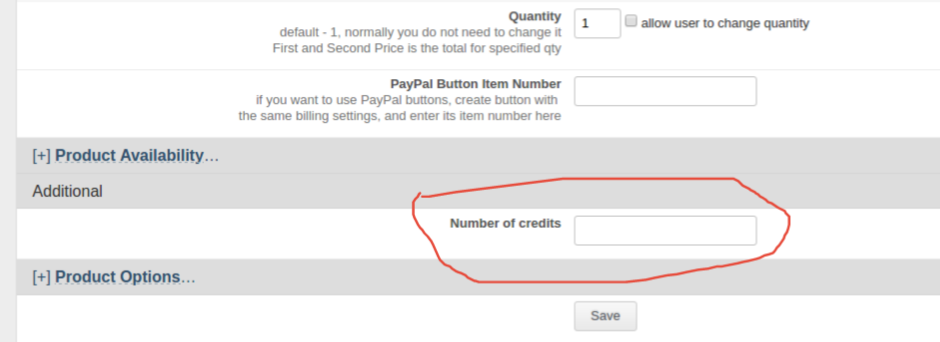
- In the product settings, enter the number of credits that the customer should receive after purchasing the product.
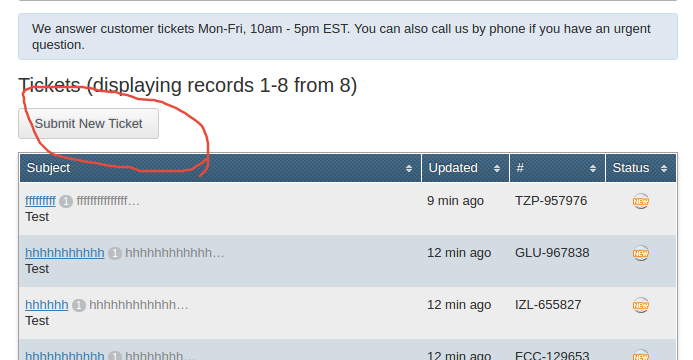
- On the Helpdesk tab, click Submit New Ticket. With the customization below, this action is available only when the account has enough credits. The user can still see existing tickets. Whether a user can reopen a closed ticket depends on the User Can Reopen Closed Tickets Helpdesk setting.
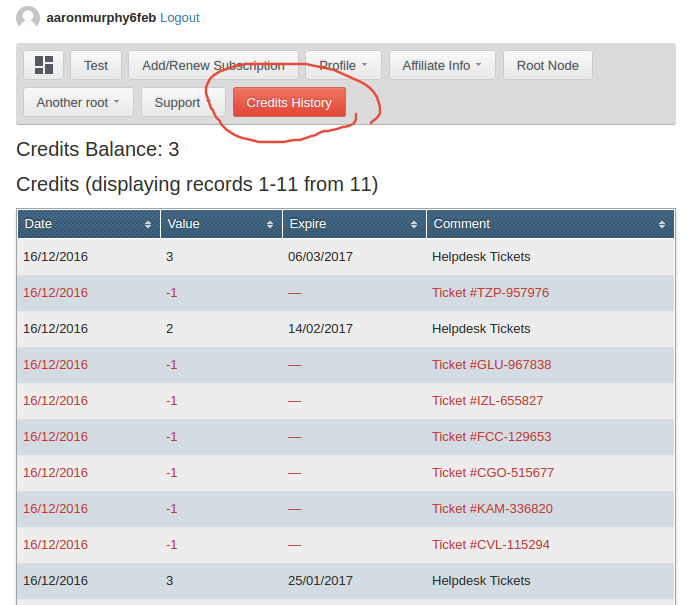
- Click Credits History to review the balance. Each new ticket reduces the user's balance by the configured ticket cost, and its debit includes the ticket number in the comment.
The example below charges one credit per ticket. Change $ticketCost if a
ticket should cost more than one credit.
Add this code to the site.php file:
$creditPlugin = Am_Di::getInstance()->plugins_misc->loadGet('credits');$ticketCost = 1;
Am_Di::getInstance()->hook->add('gridHelpdeskInitGrid', function (Am_Event_Grid $event) use ($creditPlugin, $ticketCost) {    if (!(defined('AM_ADMIN') && AM_ADMIN) && $creditPlugin->balance() < $ticketCost) {        $event->getGrid()->actionDelete('ticket');    }});
Am_Di::getInstance()->hook->add(Bootstrap_Helpdesk::EVENT_TICKET_BEFORE_INSERT, function (Am_Event $event) use ($creditPlugin, $ticketCost) {    if (defined('AM_ADMIN') && AM_ADMIN) {        return;    }
    /** @var HelpdeskTicket $ticket */    $ticket = $event->getTicket();    if (!$ticket->user_id || $creditPlugin->balance($ticket->user_id) < $ticketCost) {        throw new Am_Exception_AccessDenied(            ___('You do not have enough credits to submit a new ticket')        );    }});
Am_Di::getInstance()->hook->add(Bootstrap_Helpdesk::EVENT_TICKET_AFTER_INSERT, function (Am_Event $event) use ($creditPlugin, $ticketCost) {    if (defined('AM_ADMIN') && AM_ADMIN) {        return;    }
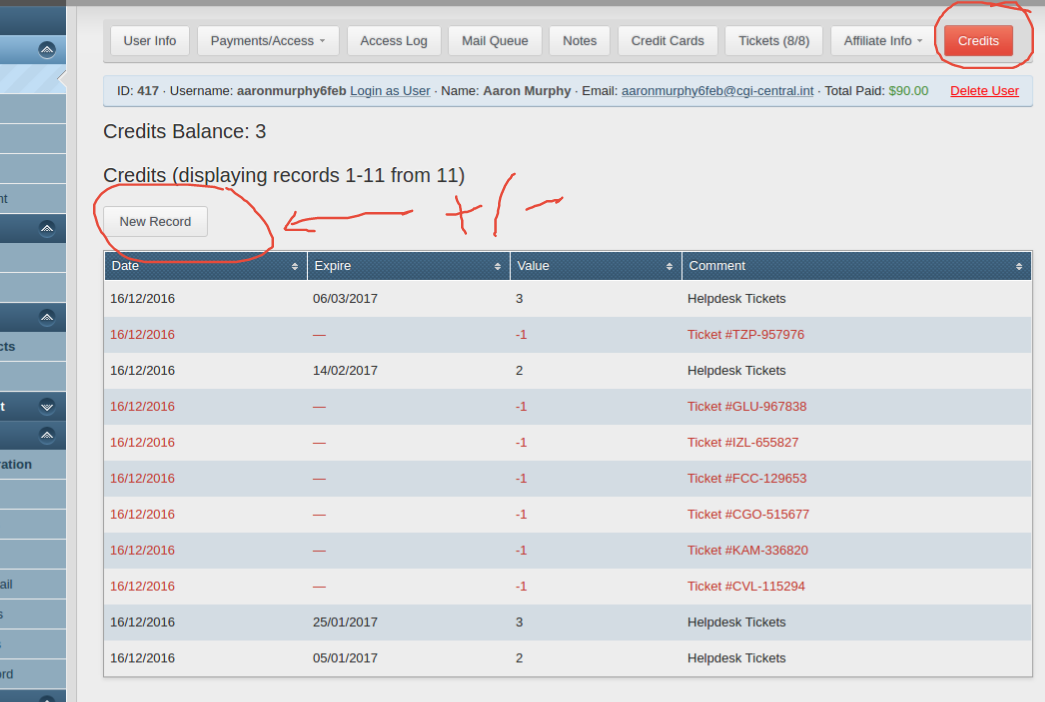
/** @var HelpdeskTicket $ticket */ $ticket = $event->getTicket(); $creditPlugin->debit( $ticketCost, "Ticket #{$ticket->ticket_mask}", $ticket->user_id, $ticket->pk() );});- In aMember CP, go to Users → Browse Users, edit the user, click Credits (4a), and then click New Record (4b) to add or deduct credits manually.
Copyright © 2002–2026 www.amember.com. All Rights Reserved.